


No cookies · No consent banner · Data stored in EuropeNo cookies · GDPR · EU data

English
Switch from GA4

Switch from Google Analytics in five minutes

Install Overtracking alongside Google Analytics, compare both for a few days and switch when you’re ready. No cookies and a panel you understand at first glance.

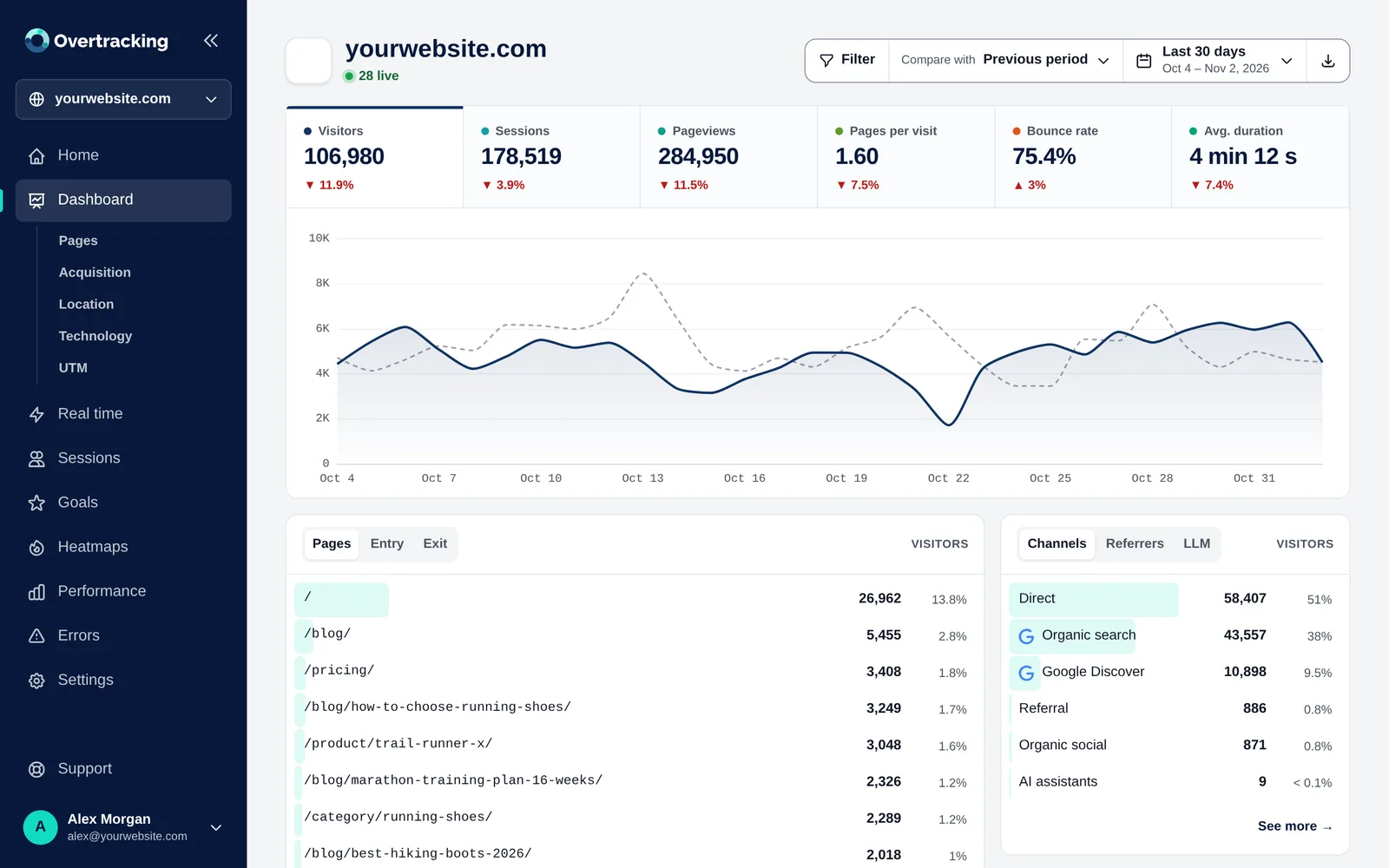
Overtracking dashboard

1. Install it alongside GA4

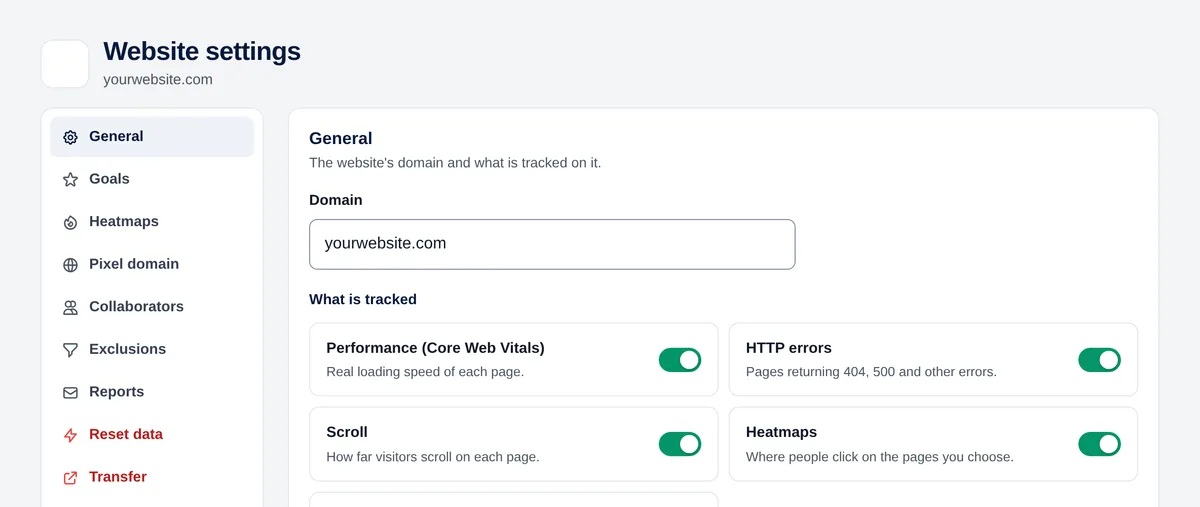
Paste the Overtracking code in the <head> of your website or add it in Google Tag Manager. Both tools can run at the same time.

  • One line of code
  • WordPress, Shopify, Google Tag Manager or any website
  • Data from the first visit
Tracking code in the website settings

2. Recreate your conversions

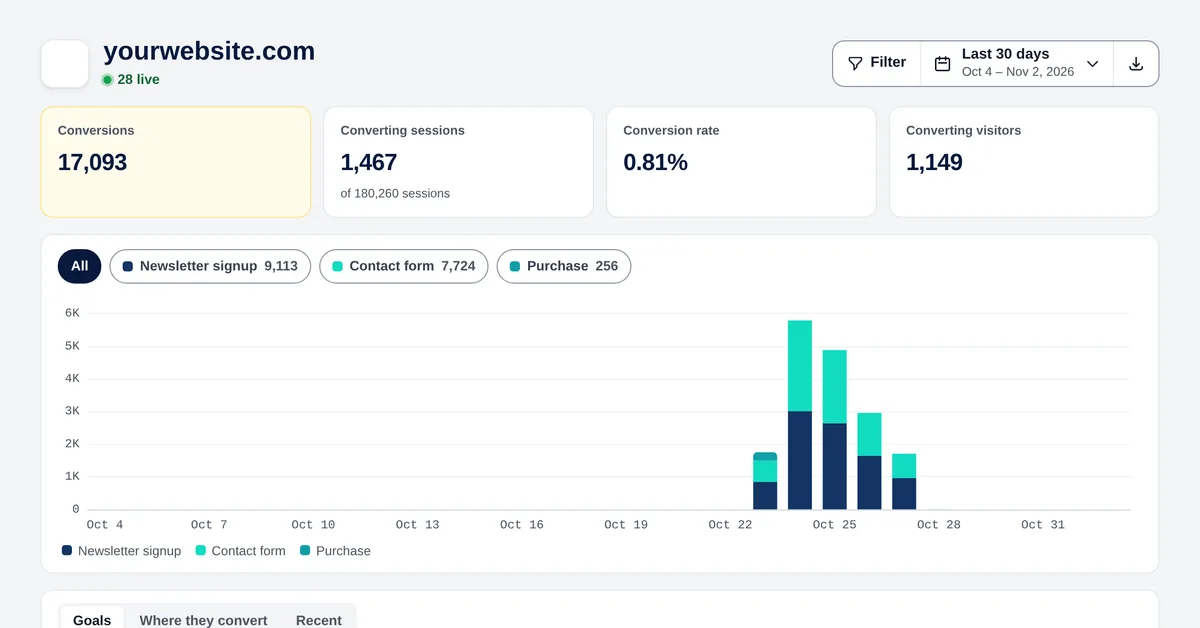
Turn your GA4 key events into Overtracking goals: visits to a page, clicks, form submissions or events from your code.

  • Goals by page, click, form or JavaScript event
  • Value of each conversion
  • Plugins for WooCommerce and PrestaShop
Goals of a website

3. Everything in one screen

Visitors, sources, pages, countries, devices and goals in a single dashboard, with filters that apply to everything.

  • Channels including paid search, paid social and AI
  • Filters by page, source, country, device or UTM
  • Export to CSV and PDF
Overtracking dashboard

Frequently asked questions

Will the numbers match Google Analytics?

They’re usually higher in Overtracking, because it also counts the visitors who reject cookies.

Can I keep Google Analytics for a while?

Yes. Run both at the same time for as long as you need.

Can I measure Google Ads campaigns?

Yes. Clicks from Google Ads and Microsoft Ads are detected automatically as paid search, and UTM campaigns have their own report.

Start measuring in 5 minutes

Try it free for 7 days. No cookies, no banners, no credit card.

Start your free trial