
 Español
 Deutsch
 Français
 Italiano
 Português
 中文
 日本語
 한국어



Works on any website
Static sites, your own templates, React, Vue or Next.js: if it renders HTML, it works. Page changes in single-page apps count as page views.
Paste the tracking code in your template and see visitors, traffic sources, pages and conversions in real time. No cookies and no consent banner.
Static sites, your own templates, React, Vue or Next.js: if it renders HTML, it works. Page changes in single-page apps count as page views.
The script loads asynchronously and doesn’t block rendering, so your pages load just as fast.
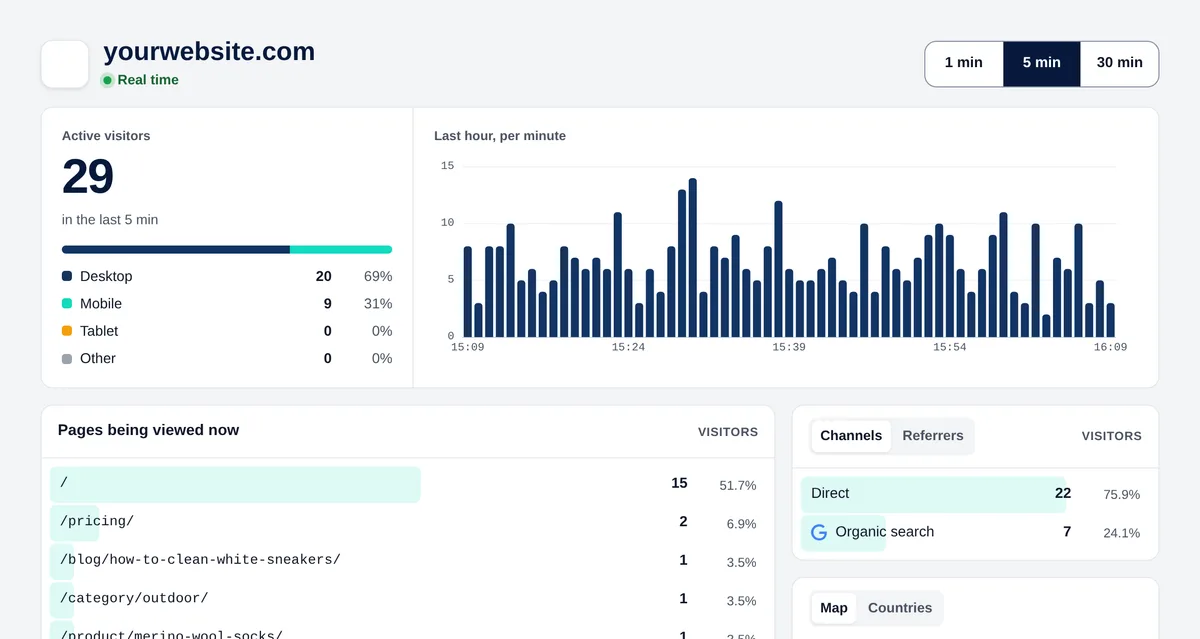
Visits appear in Real time within seconds, with their page, source, country and device.
In the app, click “New website” and enter your domain without https:// or www, for example mydomain.com.

Go to Settings → General → Tracking code and copy it with the “Copy” button. It looks like this:
<script>!function(w,d,s,u){var t=d.createElement(s);t.async=1;t.src=u;var f=d.getElementsByTagName(s)[0];f.parentNode.insertBefore(t,f);}(window,document,'script','https://cdn.overtracking.com/t/tYOUR_CODE/');</script>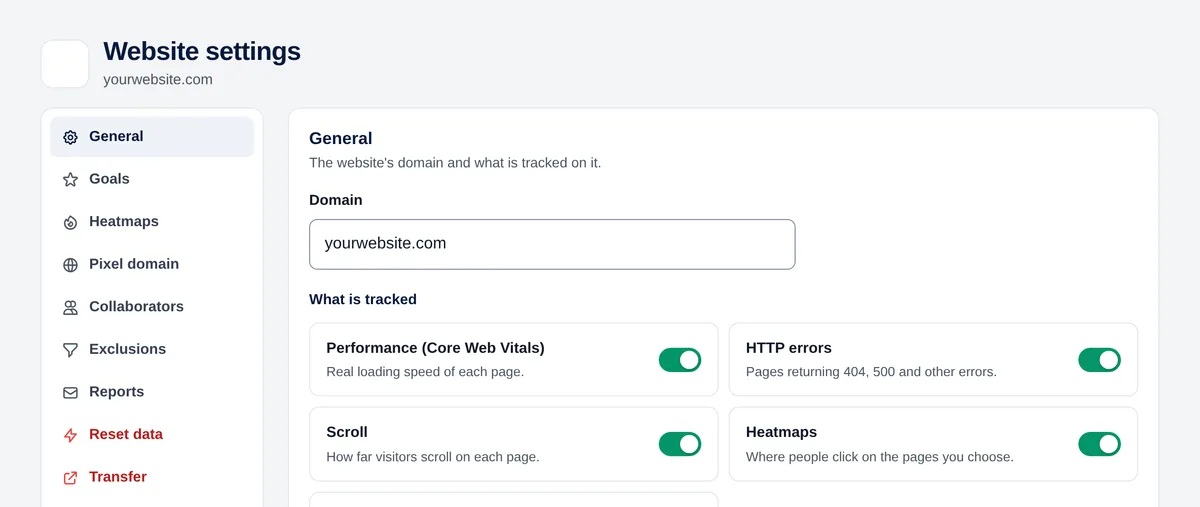
Open the template or layout shared by all your pages and paste the code right before the </head> tag. Save and publish.
Open your website in a private window and go to Real time in Overtracking: your visit appears within a few seconds.
Yes. Overtracking detects page changes made through the browser history and counts each one as a page view, without extra code.
Not for Overtracking: it doesn’t set cookies or store IP addresses.
Each website has its own code. For subdomains, paste the same code on all of them and turn on “Subdomains” in Settings → General to see their pages with their name.
Try it free for 7 days. No cookies, no banners, no credit card.
Start your free trial


