
 Español
 Deutsch
 Français
 Italiano
 Português
 中文
 日本語
 한국어



No theme edits
The code goes in a header plugin, so it stays in place when you update or change your theme.
Install it in two minutes with a header plugin, without touching your theme. Visitors, sources, goals and heatmaps from the first visit.
The code goes in a header plugin, so it stays in place when you update or change your theme.
One asynchronous script and nothing else: no extra tables in your database and no load on your admin.
If you sell with WooCommerce, our plugin also measures orders with their value, carts, coupons and searches.
Add your website in the app and copy the code from Settings → General → Tracking code.
<script>!function(w,d,s,u){var t=d.createElement(s);t.async=1;t.src=u;var f=d.getElementsByTagName(s)[0];f.parentNode.insertBefore(t,f);}(window,document,'script','https://cdn.overtracking.com/t/tYOUR_CODE/');</script>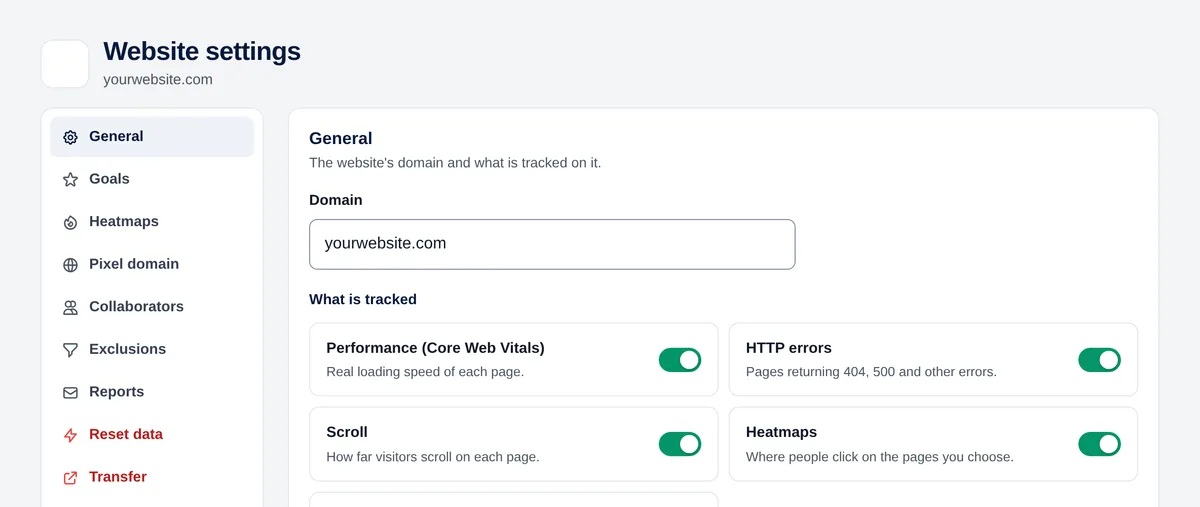
In WordPress, go to Plugins → Add new and install a plugin to add code to the header, such as “WPCode” or “Insert Headers and Footers”.
Open the plugin, paste the code in the “Header” box and save.
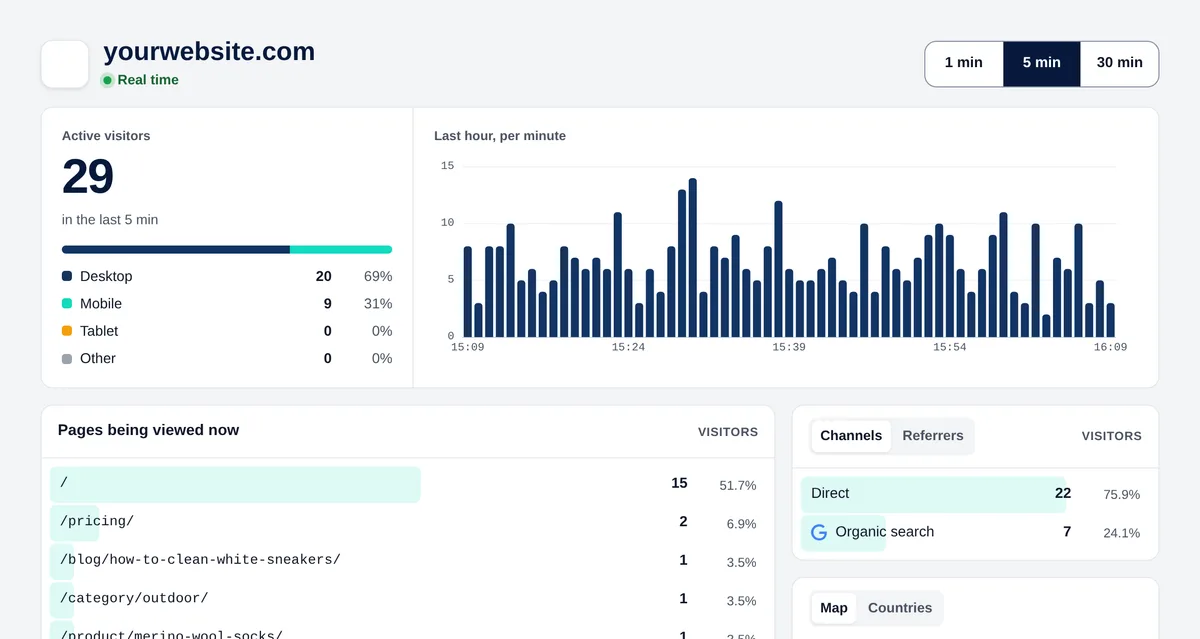
If you use a cache plugin, clear its cache. Then open your website in a private window and look at Real time in Overtracking.
Yes, for WooCommerce stores: it adds the code and sends orders, carts and coupons as goals. For a website without a store, a header plugin is all you need.
You can, but theme updates overwrite that file. Use a child theme or a header plugin so the code stays.
Yes. Clear the cache after adding the code so the pages already cached include it.
Try it free for 7 days. No cookies, no banners, no credit card.
Start your free trial


