
 Español
 Deutsch
 Français
 Italiano
 Português
 中文
 日本語
 한국어



Know which channel works
Organic search, paid search, paid social, social networks, AI assistants and your UTM campaigns, each one separately.
Paste the code in your theme and find out which channels, campaigns and product pages bring visitors to your store.
Organic search, paid search, paid social, social networks, AI assistants and your UTM campaigns, each one separately.
Which products and collections get the most visits, and where each visit starts.
Overtracking doesn’t set cookies, so it doesn’t add another banner to your store.
Add your store in the app and copy the code from Settings → General → Tracking code.
<script>!function(w,d,s,u){var t=d.createElement(s);t.async=1;t.src=u;var f=d.getElementsByTagName(s)[0];f.parentNode.insertBefore(t,f);}(window,document,'script','https://cdn.overtracking.com/t/tYOUR_CODE/');</script>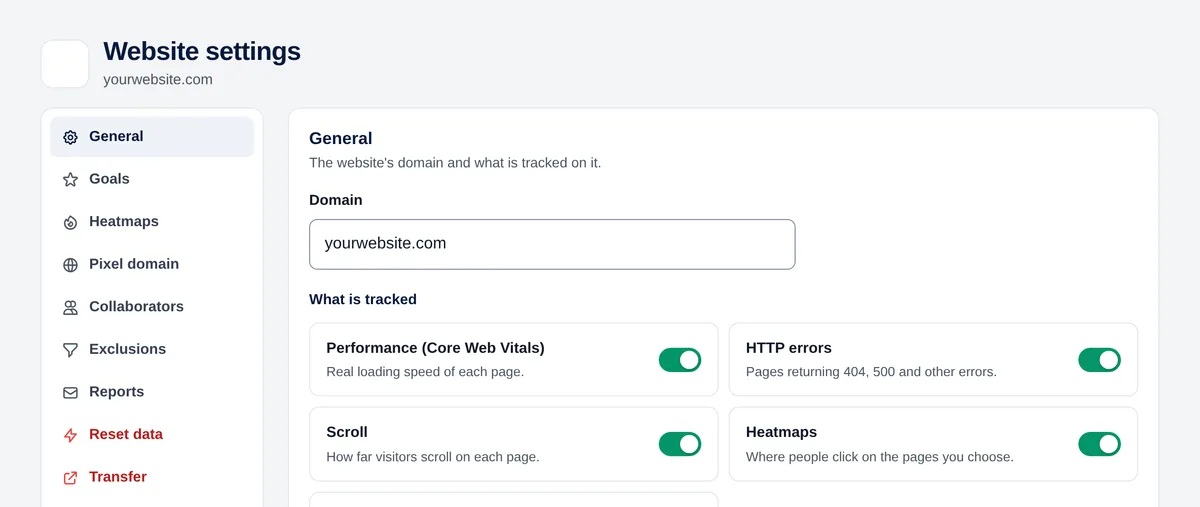
In Shopify, go to Online Store → Themes, open the “…” menu of your current theme and choose “Edit code”.
Open layout/theme.liquid, paste the code right before </head> and click “Save”.
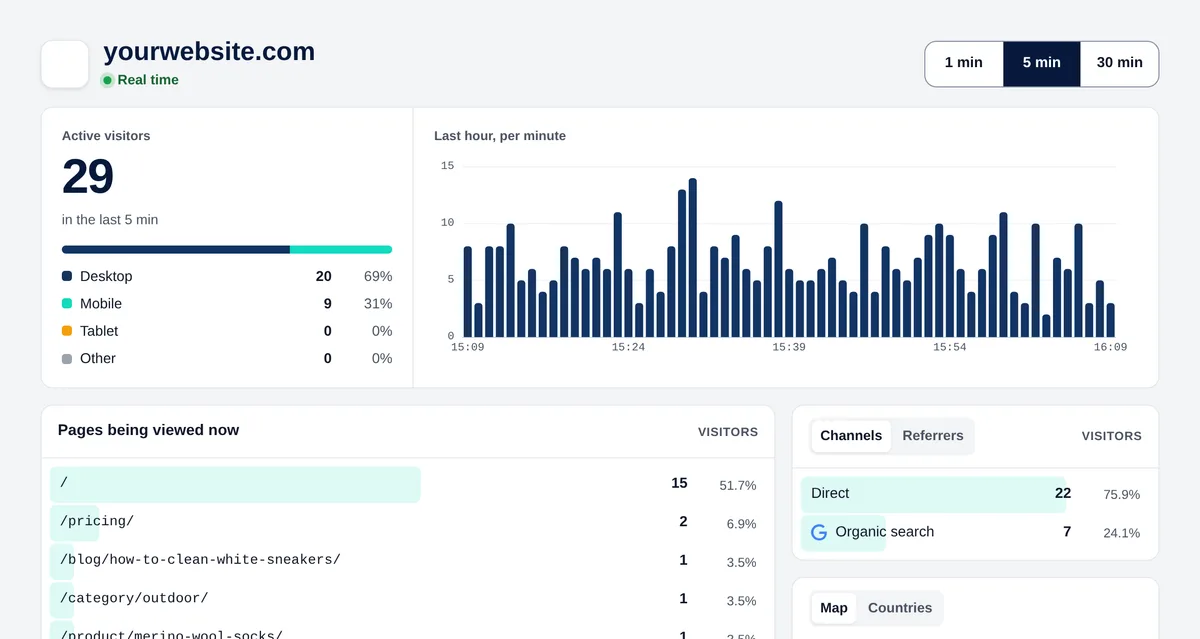
Open your store in a private window and go to Real time in Overtracking: your visit appears within a few seconds.
The code lives in the theme. When you switch to a new one, paste it again in its theme.liquid.
Yes. It reads UTM parameters and recognises ad clicks from Google, Microsoft, TikTok, Snapchat and LinkedIn as paid traffic.
Yes. If your store already loads Google Tag Manager, add Overtracking as a Custom HTML tag on all pages.
Try it free for 7 days. No cookies, no banners, no credit card.
Start your free trial


