
 Español
 Deutsch
 Français
 Italiano
 Português
 中文
 日本語
 한국어


Overtracking is cookieless web analytics: we store nothing in your visitors’ browsers, no cookies and no localStorage. Even so, to give you useful data we need to know which pages belong to the same visit. We solve that with a fingerprint, an identifier calculated on our servers.
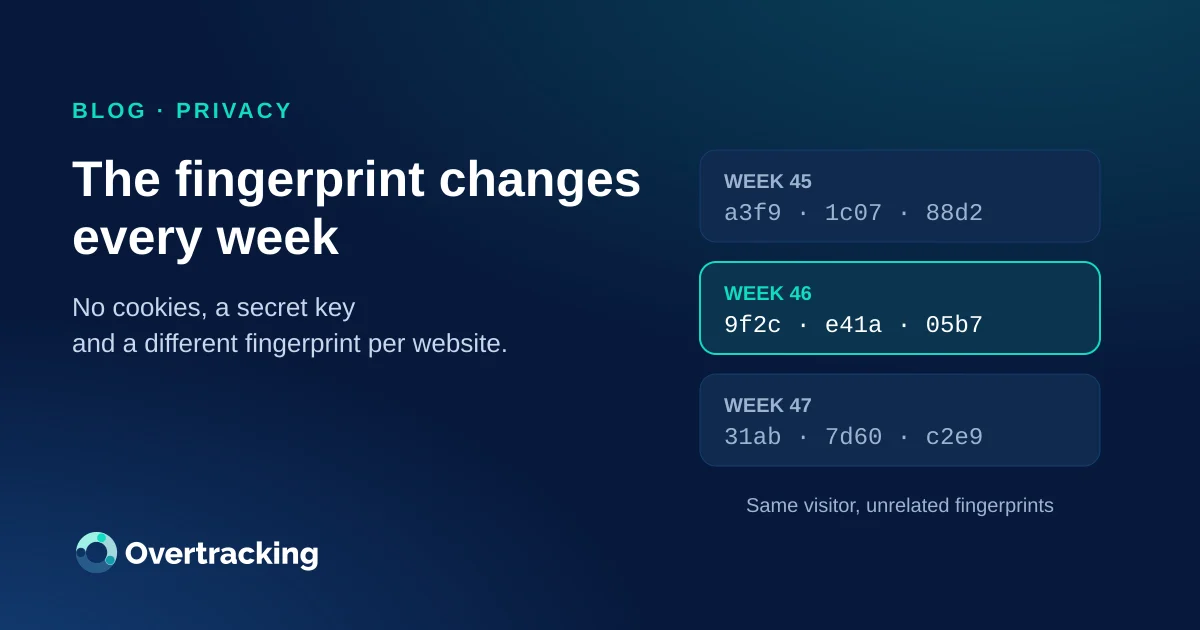
Since 12 November 2026, that fingerprint changes every week. It is a small change in the code and a big one for privacy: a visitor can only be recognised during the current week, and never across different websites.
How cookieless analytics knows two pages belong to the same visit
Traditional analytics drops a cookie with an identifier and reads it on every page. We drop nothing. When a visit arrives, the server combines a few technical details that the browser already sends with every request:
- the IP address,
- the website being measured,
- the browser (user agent),
- the language and encoding headers.
From those it calculates a hash, a 64-character string that cannot be reversed. Two pages viewed from the same browser and the same connection produce the same hash, which lets us count sessions, entry and exit pages or the path to a goal. The IP is only used to calculate the fingerprint and the approximate location; it is not stored as a field in your statistics.
Why a fixed fingerprint was not enough
Until now, a visitor’s fingerprint on a website was always the same. From a privacy point of view, that has two drawbacks:
- It is an identifier that lasts forever. Even without a name or an email, it can link today’s visit with one from months ago.
- It can be recalculated. There are about 4.3 billion IPv4 addresses: with enough computing power, someone who knew the formula could try IPs until they matched a given hash.
We wanted to limit both: make the fingerprint expire, and make sure nobody outside can reproduce it.
What we have changed
The fingerprint is now calculated with a secret key that changes every week. Technically it is an HMAC-SHA256: from a master key that only exists on our servers, we derive a different key for each calendar week (ISO week, starting on Monday at 00:00, Madrid time), and use it to sign the visit data.

- One week, one fingerprint. On Monday, every visitor’s fingerprint is new and has no mathematical relationship with the previous week’s.
- Impossible to recalculate from outside. Without the secret key, knowing the formula or trying IPs is useless: the result does not match.
- A different fingerprint on every website. The website is part of the calculation, so the same visitor has different fingerprints on every site measured with Overtracking. There is no way to follow them from one website to another.
Why every week and not every day
Some tools renew the fingerprint every day. We considered it and chose a week because it strikes a better balance between privacy and usefulness:
- Weekly unique visitors stay accurate, and the week is the period people compare most often.
- Someone who comes back on Tuesday after visiting on Monday is still the same visitor within that week.
- Visits that cross midnight are not split in two every day, only once a week.
And the limit is still short: after seven days, nobody, not even us, can link one week’s activity with the next using the fingerprint.
What it means for your statistics
You do not need to do anything: the tracking code is the same and your dashboard shows the same metrics. Within each week, visits, sessions, pages, traffic sources and goals are calculated exactly as before.
The only thing you will notice over long periods is consistent with the change: a visitor who returns in another week counts as a new one, precisely because they can no longer be recognised. If you compare one month with another, compare periods from 12 November onwards so they use the same criteria.
What does not change
- No cookies: nothing stored in the visitor’s browser.
- Data in Europe: hosted in the European Union.
- No cross-site profiles and no data shared for advertising.
- Lightweight: a pixel that does not slow your website down.
You will find every detail about what we measure and how in the privacy documentation.
Frequently asked questions
Do I need to change anything on my website?
No. The change is only on our servers and was applied to all websites at once on 12 November 2026.
Can Overtracking follow a visitor across several websites?
No. The website is part of the fingerprint calculation, so the same visitor has a different fingerprint on each site, even if both websites are yours.
What happens to the visits recorded before the change?
They stay exactly as they were in your statistics. The new fingerprints do not match the old ones, so on 12 November every visitor started from scratch.
Does it affect my goals and funnels?
No. Goals are recorded in the visit where they happen, and visits are grouped just as before.
Questions about how this change fits your website? Write to us through the contact form.