
 Español
 Deutsch
 Français
 Italiano
 Português
 中文
 日本語
 한국어



Fix errors with context
The agent reads the JavaScript errors of your visitors, with their message and file, and looks for them in your code.
Add Overtracking as an MCP server and ask the agent about traffic, JavaScript errors or Core Web Vitals while you code.
The agent reads the JavaScript errors of your visitors, with their message and file, and looks for them in your code.
Compare traffic and Core Web Vitals before and after a deploy without opening another tab.
Your data, in the same chat where you write code.
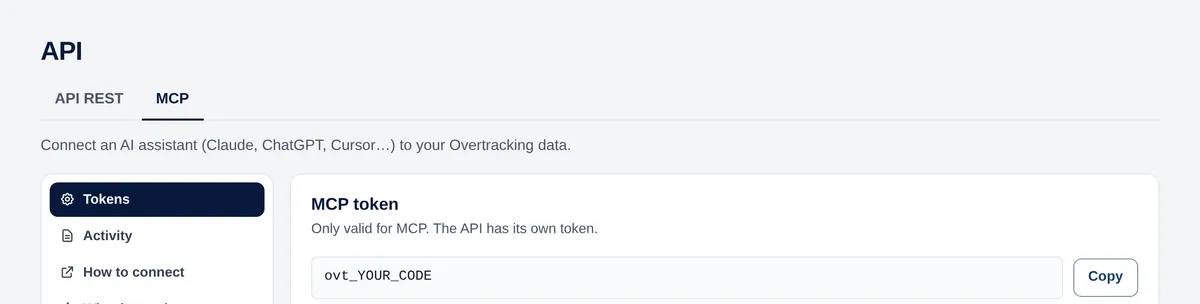
In the app, open the user menu → API → MCP and copy your token.
In Cursor, open the settings, go to the MCP section and add a new server. It opens mcp.json: global in ~/.cursor/mcp.json or per project in .cursor/mcp.json.
Paste this configuration with your token and save. The Overtracking tools appear enabled.
{
  "mcpServers": {
    "overtracking": {
      "url": "https://mcp.overtracking.com",
      "headers": { "Authorization": "Bearer YOUR_MCP_TOKEN" }
    }
  }
}In the agent chat, for example:
Read metrics and their evolution, break traffic down by page, channel, country or device, and read goals, JavaScript errors and Core Web Vitals. It can also create goals when you ask.
Both work. If you use the project file, add .cursor/mcp.json to .gitignore so your token stays out of the repository.
Yes, with any editor that supports MCP. See the page for any MCP client.
Any MCP clientTry it free for 7 days. No cookies, no banners, no credit card.
Start your free trial


