
 Español
 Deutsch
 Français
 Italiano
 Português
 中文
 日本語
 한국어

Your details
Name, language of the panel, billing details (needed to change plan: name or company, address, country and tax ID) and email notifications.
Security
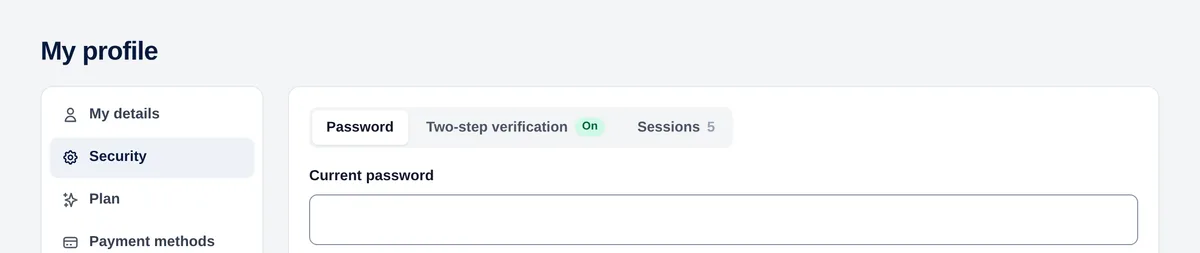
- Password: changing it signs out all your other sessions.
- Two-step verification: scan the QR code with an authenticator app (Google Authenticator, 1Password…) and confirm with a code. Turning it off also asks for a code.
- Active sessions: device, IP and when; close any of them or all the others.
Tip: Turn on two-step verification: your account has your clients’ data.
Plan and usage
In Plan you see your plan, the pageviews used this month (the bar turns amber at 80% and red at 100%) and the available plans, with monthly, quarterly (−5%), half-yearly (−10%) or annual (−20%) billing. Before confirming a change you see the prorated amount.
Tip: When the bar gets close to 100%, move to a bigger plan so every visit keeps being measured.