
 Español
 Deutsch
 Français
 Italiano
 Português
 中文
 日本語
 한국어

Create the goal
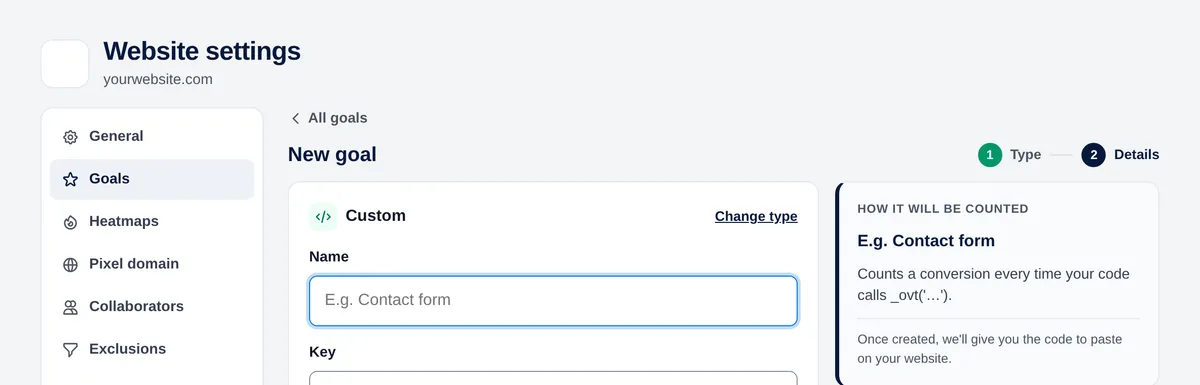
- Settings → Goals → New goal → “Custom”.
- Give it a name and a key: letters, numbers and _ . : - (up to 64 characters), for example purchase or signup_step_2.
- Optional: a value in euros for each conversion.
- Save: the panel shows you the exact code with your key.
Call it from your code
Call _ovt() with the key at the moment the action happens. The tracking code must be installed on that page.
_ovt('purchase');For example, when an asynchronous form is sent successfully:
form.addEventListener('submit', async (e) => {
  e.preventDefault();
  const res = await fetch('/api/contact', { method: 'POST', body: new FormData(form) });
  if (res.ok) _ovt('contact_sent');
});
Each call counts one conversion. Call it only when the action really happens (after the server confirms it), not on the click.
Online stores
The WooCommerce and PrestaShop integrations already send events for completed orders (with their value), checkout, cart, coupons and searches. See the guides in Integrations.

