
 Español
 Deutsch
 Français
 Italiano
 Português
 中文
 日本語
 한국어

Activate it
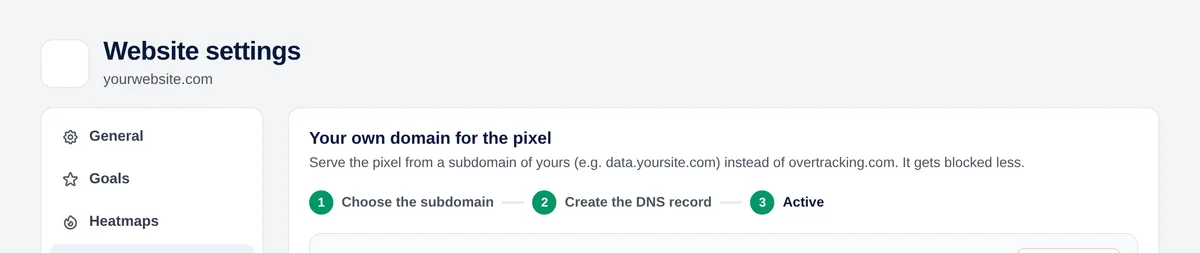
- Settings → Pixel domain → choose the subdomain (just the first part, for example data).
- In your DNS provider, create the CNAME record the panel shows you.
- Click “Check DNS”. When it’s correct, the certificate is issued automatically in a minute or two.
- Replace the tracking code on your website with the new one the panel gives you.
Available on paid plans. If your DNS is in Cloudflare, leave the record as “DNS only” (grey cloud).
Tip: Avoid names like analytics, stats or tracking: some blockers filter by name. Something neutral like data or cdn works better.